

Yes, you can combine Zillow and Redfin data into a single private workspace. Every listing, note, price-drop alert, and offer document you've collected across both portals can live in one place, invisible to anyone you haven't invited. Nestnoted builds this workflow around privacy-by-default imports, so the tracking below walks through manual capture, automation, and direct sync, in order of effort.
TL;DR:
- Combining Zillow and Redfin data is most effective when using direct import through URLs or a workspace sync, minimizing manual effort.
- Deduplication requires matching on listing ID, normalizing addresses, and fuzzy matching property details to avoid duplicated records.
- Importing offer files and disclosures via email or screenshots is reliable for login-restricted content, especially for low-volume tracking.
- Privacy settings and access controls are essential to prevent sensitive notes from leaking to sellers, along with proper redaction and wire transfer verification.
- Most import failures stem from JavaScript-rendered pages or login restrictions, which require browser rendering tools or direct exports to resolve.
Table of Contents
- What Listing and Activity Data You Can Combine
- Practical Methods to Import Listings and Alerts Into a Single Workspace
- Step-by-Step: Import and Organize Zillow/Redfin Data in Nestnoted
- Best Practices: Deduplication, Naming, Tagging, and Pipeline Templates
- Privacy and U.S. Considerations When Consolidating Offers and Documents
- Troubleshooting Common Import Failures and Realistic Limitations
- Why Private Unified Workflows Actually Change How Buyers Decide
- Get Started: Your First 15 Minutes in Nestnoted
- Primary Sources and Further Reading
- Sources
What Listing and Activity Data You Can Combine
Aggregating Zillow and Redfin into one workspace isn't just about copying addresses. The value comes from pulling in everything you'd otherwise track across browser tabs, texts, and a half-finished spreadsheet.
Here's what actually transfers well:
- Core listing fields: address, price, beds/baths, square footage, status, and listing ID.
- Media and documents: photos and floor plans move easily; some disclosure PDFs need a manual upload since portals gate them behind login walls.
- Saved searches and alerts: favorites, price-drop notices, and status changes (pending, back on market, sold).
- Offer-related files: purchase agreements, counteroffers, and private negotiation notes.
- Impressions and ratings: your own scores, plus your agent's private annotations on condition, layout, or red flags.
That last category is where most buyers actually get value. Structuring impressions with the same categories every time (layout, systems, red flags) is what makes ten toured homes comparable instead of a blur of hallway photos.
Practical Methods to Import Listings and Alerts Into a Single Workspace
You've got five real options here, ranked roughly by effort versus reliability.
- Manual capture and CSV export. Reliable for low volume. Watch the mapping fields: address format, listing ID, and price history often break when a portal changes its export layout mid-quarter.
- Email-forward or screenshot capture. Best for offer files and disclosures that live behind a login. Forward the PDF, attach the screenshot, done. No scraping required.
- Browser capture or extension workflows. Necessary for JS-heavy listing pages that don't render cleanly in a simple copy-paste. This is the same problem enterprise aggregators run into: portals use different anti-bot stacks and client-side rendering, so robust aggregation at scale needs browser rendering fallback and geo-accurate IPs. You don't need enterprise infrastructure for a handful of listings, but the underlying issue is the same.
- Automation connectors like Zapier or Make. These work well for feeding new listings into a workspace automatically, but they hit walls fast on pages that require a logged-in session or MLS-restricted content. Treat connectors as a booster, not a universal fix.
- Direct import and sync through Nestnoted. For buyers actively touring, this is the path with the least friction. Paste a Zillow or Redfin URL, and Nestnoted pulls the core fields directly into your workspace, ready for notes and offer tracking.
Pro Tip: Batch your CSV imports during off-peak hours and run a quick validation pass afterward. Check for missing photos, broken links, and any field that mapped to the wrong column. It catches errors while the list is still small.
Step-by-Step: Import and Organize Zillow/Redfin Data in Nestnoted
Start by signing up and confirming your workspace defaults to private. Nothing you log is visible to anyone until you send an invite.
From there, the workflow splits into two speeds:
- Quick import (single property): copy the Zillow or Redfin URL, paste it into Nestnoted, or forward the listing email directly. This takes under two minutes per property.
- Batch import (CSV or connector): export your saved listings as a CSV, map the columns (address, price, listing ID, status), and let Nestnoted's dedupe logic catch overlaps between the two portals.
- Attach documents: drop in photos, inspection reports, and offer paperwork directly onto the property record, kept private by default.
- Set alerts: link your saved searches so price drops and status changes surface inside the same workspace instead of two separate apps.
- Assign pipeline stages: move each property through stages like Researching, Toured, Offer Submitted, and Closed.
Buyers who track properties this way, using a live tracker instead of a static list, report fewer missed follow-ups and cleaner offer timing, a pattern organizing frameworks for home buyers back up directly. A realistic first setup, including a batch import of several properties, takes about half an hour. After that, single-property additions take seconds.
Best Practices: Deduplication, Naming, Tagging, and Pipeline Templates
The same house shows up on both Zillow and Redfin with slightly different address formatting almost every time. Left unchecked, that duplicates your workspace fast.
The fix combines a few checks at once: match on listing ID where available, normalize the address string, and fuzzy-match square footage plus bed/bath count to catch near-duplicates that slip past a strict address comparison. That's the same layered approach large-scale aggregators use to keep property records clean.
A few habits that keep the workspace usable past property number thirty:
- Naming template: Neighborhood, Address, Price, Source Tag. Consistency here is what makes filtering fast later.
- Tagging: deal driver, condition, financing status, so you can filter by what actually matters at offer time.
- Pipeline stages: mirror something close to New, Qualification, Toured, Negotiation, Closed. Real estate CRMs use nearly identical staging because it maps directly to buyer decisions, not just software convenience.
- Archival practice: export closed or dead deals quarterly so your active pipeline stays lean.
Pro Tip: Tag the portal source on every import (Zillow or Redfin) even after deduping. When a price or status conflicts later, you'll know exactly which listing to trust first.
Privacy and U.S. Considerations When Consolidating Offers and Documents
A private-by-default workspace changes how honestly you can write notes. Candid impressions ("kitchen needs $40K, seller is motivated") stay useful for negotiation only if they never leak to the seller's agent.
A few practical safeguards matter here:
- Access controls: share specific properties or notes with your agent without opening the whole workspace.
- Redact personal information before uploading disclosures or inspection reports that contain a prior owner's financial details.
- Wire safety: always verify bank details for earnest-money deposits by calling a known, verified contact number, never through instructions sent inside an app or email thread. Wire fraud targeting real estate closings is a real and ongoing risk in U.S. transactions, and no organizing tool substitutes for that verification call.
Troubleshooting Common Import Failures and Realistic Limitations
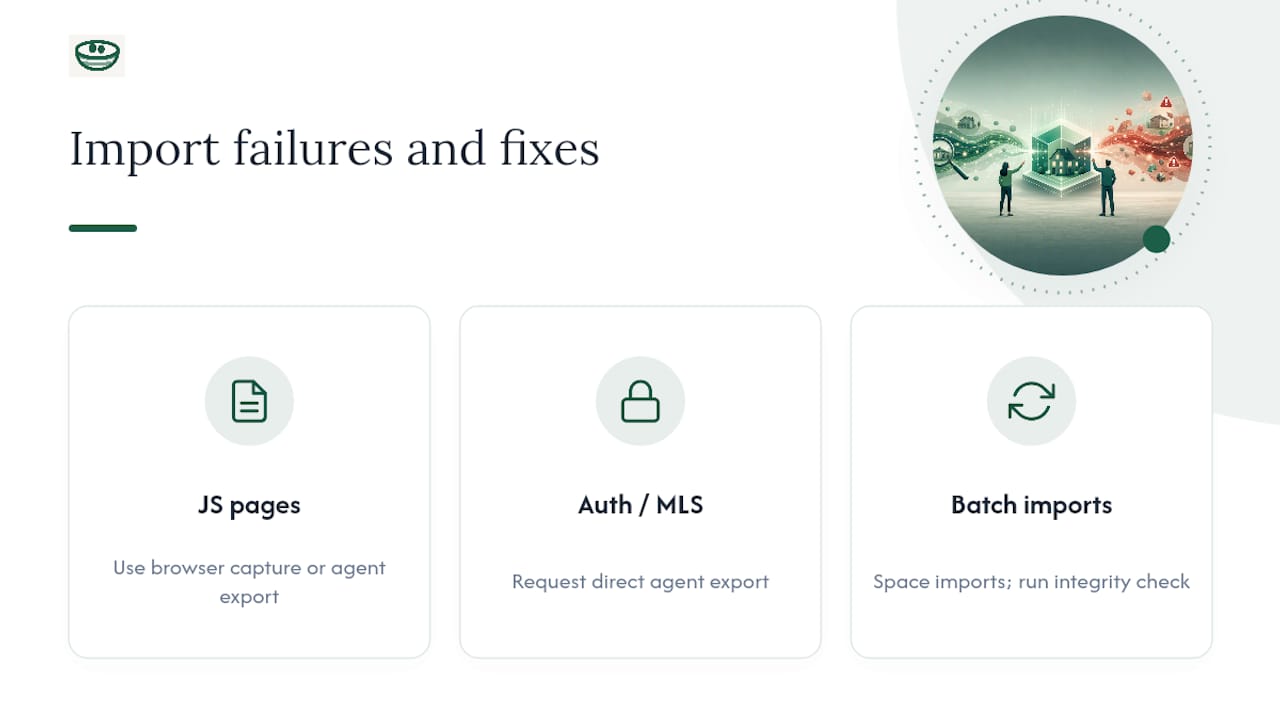
Most import failures trace back to one of three causes. JS-rendered listing pages sometimes paste incorrectly. The fix is a browser capture tool or, if your agent has portal access, an agent-provided export instead of trying to scrape around it.
Login-gated fields and MLS-restricted content simply won't come through automation. Ask your agent for a direct export rather than fighting a connector that wasn't built for authenticated pages.
Batch imports run into rate limits when pushed too fast. Space larger imports out and run a quick integrity check afterward, confirming photos loaded, links resolved, and price fields matched the right column.
Why Private Unified Workflows Actually Change How Buyers Decide
Touring homes breaks memory faster than most buyers expect. By the eighth showing, kitchens blur together and the "quiet cul-de-sac" note from house three gets misattributed to house six. That's not a discipline problem. It's a working-memory limit.
Comparative analysis of how Zillow and Redfin present listing data made this obvious: the portals are built for browsing, not for retaining structured impressions across dozens of properties. Private, structured notes fix that gap, and they sharpen offers, too. A buyer who remembers exactly which disclosure line worried them negotiates from a stronger position than one working off vague recall.
— Antony
Get Started: Your First 15 Minutes in Nestnoted
Nestnoted is the direct alternative to juggling browser tabs, spreadsheets, and text threads across Zillow and Redfin. The core advantage: everything imports into one private workspace with dedupe logic already running, so you're never staring at the same house twice under two different addresses.

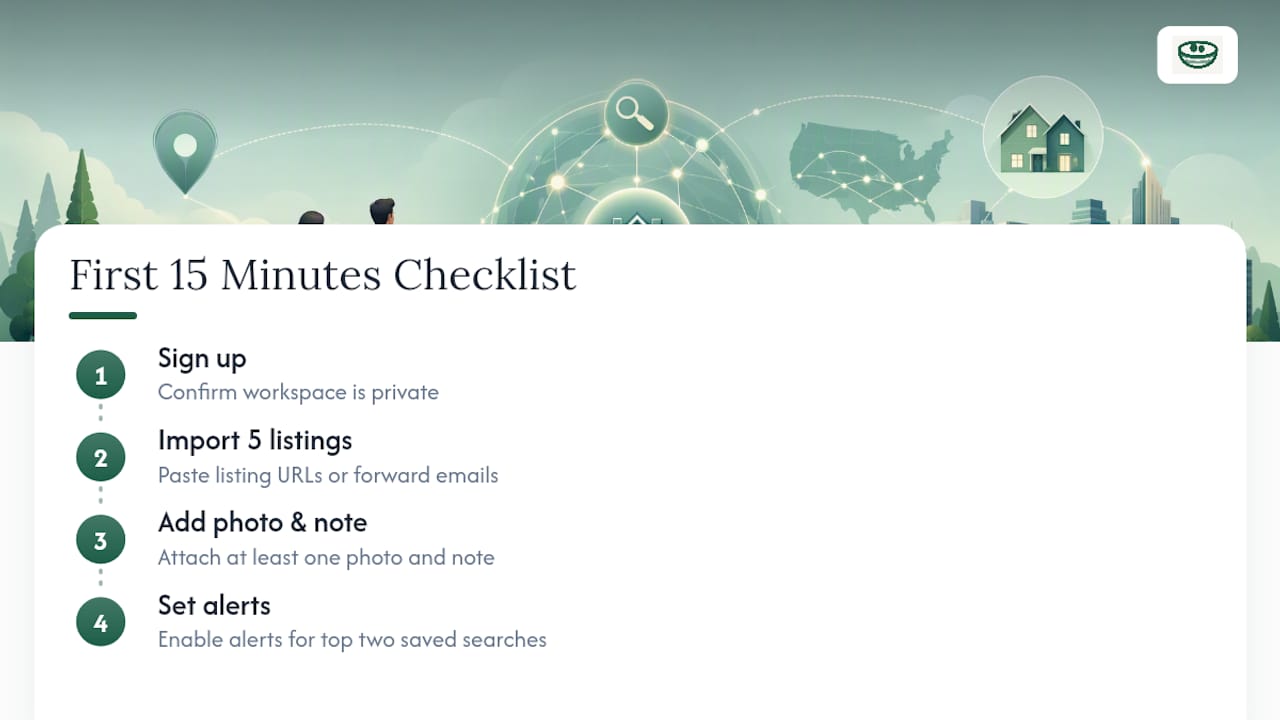
Your first 15 minutes should cover four things: sign up and confirm your workspace is private, import your five most active listings using a URL paste or email forward, attach at least one photo and note per property, and set alerts on your top two saved searches. That's enough to feel the difference immediately.
If you're still weighing how Zillow and Redfin differ on data freshness and coverage before you commit to a workflow, Antony's comparative breakdown is worth reading first. When you're ready, start your workspace and import your first property today.
Primary Sources and Further Reading
For deeper technical grounding, see the pipeline playbook and CRM pipeline guide referenced above, plus Antony's Zillow vs Realtor.com comparison for further portal context.
Sources
- The Integrated Real Estate Pipeline Playbook for 2026
- Real Estate CRM Pipeline Management for Brokers: A Complete Guide
- Aggregating Real Estate Listings at Scale — FourA Blog
- How do I stay organized/plan when buying a home?