

Finding a house hunting app that matches how you search, compare, or share properties is harder than it should be. Most popular apps either limit privacy, skip advanced organization, or charge for useful analysis and collaboration features. This comparison lets buyers, agents, and relocation teams match a house hunting app to their search style, privacy needs, and budget.
Table of Contents
NestNoted

At a Glance
Free forever. NestNoted keeps every note and offer private by default, so your impressions stay confidential instead of becoming public reviews. The app also auto-imports listing details and watches price changes, which cuts manual entry when you track many homes.
Core Features
NestNoted centers on a private notepad where you record impressions, ratings, and pros and cons for each property. It uses automatic import from major listing sites to populate addresses, photos, and listing history, and it monitors price drops and sends updates. The platform adds a visual pipeline for tracking stages from initial interest to offer and maintains detailed offer histories and negotiation notes.
Key Differentiator
Built specifically for private, detailed, and collaborative home search management rather than public listing or review publishing. That focus means notes remain confidential by default and collaboration happens inside shared workspaces. The approach suits buyers who want a private record of decisions and offers without public noise.
Pros
The privacy-first design encourages honest impressions and preserves candid notes that are not visible to the public. Automatic import saves time and reduces data entry when you monitor many listings. Visual pipeline tracking plus offer history helps you compare decision points and negotiation moves across properties. The shared workspace option makes collaboration with an agent or partner direct and contained. A single dashboard provides a quick statistical overview of your search activity and priorities.
Cons
- Not suitable for public property ratings or community reviews. This product is buyer centric and keeps data private rather than serving as a public listing or review platform.
Notable Integrations
Integrates with major real estate listing sites such as Zillow and Redfin. Those connections enable automatic import of listing details and support ongoing price tracking without manual lookups.
Who It's For
Serious home buyers who want a private, organized place to manage dozens of listings and offers. Agents who collaborate closely with buyers and need a shared, private workspace will also find the features useful. People who dislike public review sites and prefer confidential decision records will benefit most.
Unique Value Proposition
Notes are private by default while listing details import automatically from major sites. That combination keeps your feedback candid and your property data complete without manual copying. For buyers who track many homes, this reduces clerical work and preserves a single, private source of truth for offers and impressions.
Real World Use Case
A couple tracks dozens of properties during a multiweek search. They log walk through impressions, tag pros and cons, and record each offer and counteroffer in the history. Their agent accesses the shared workspace to update showings and confirm price changes, keeping every decision in one private place.
Pricing
Free forever. No paid tiers or pricing limits are listed publicly, so you can start using the core features without an up front fee.
Website: https://nestnoted.com
Homi
At a Glance
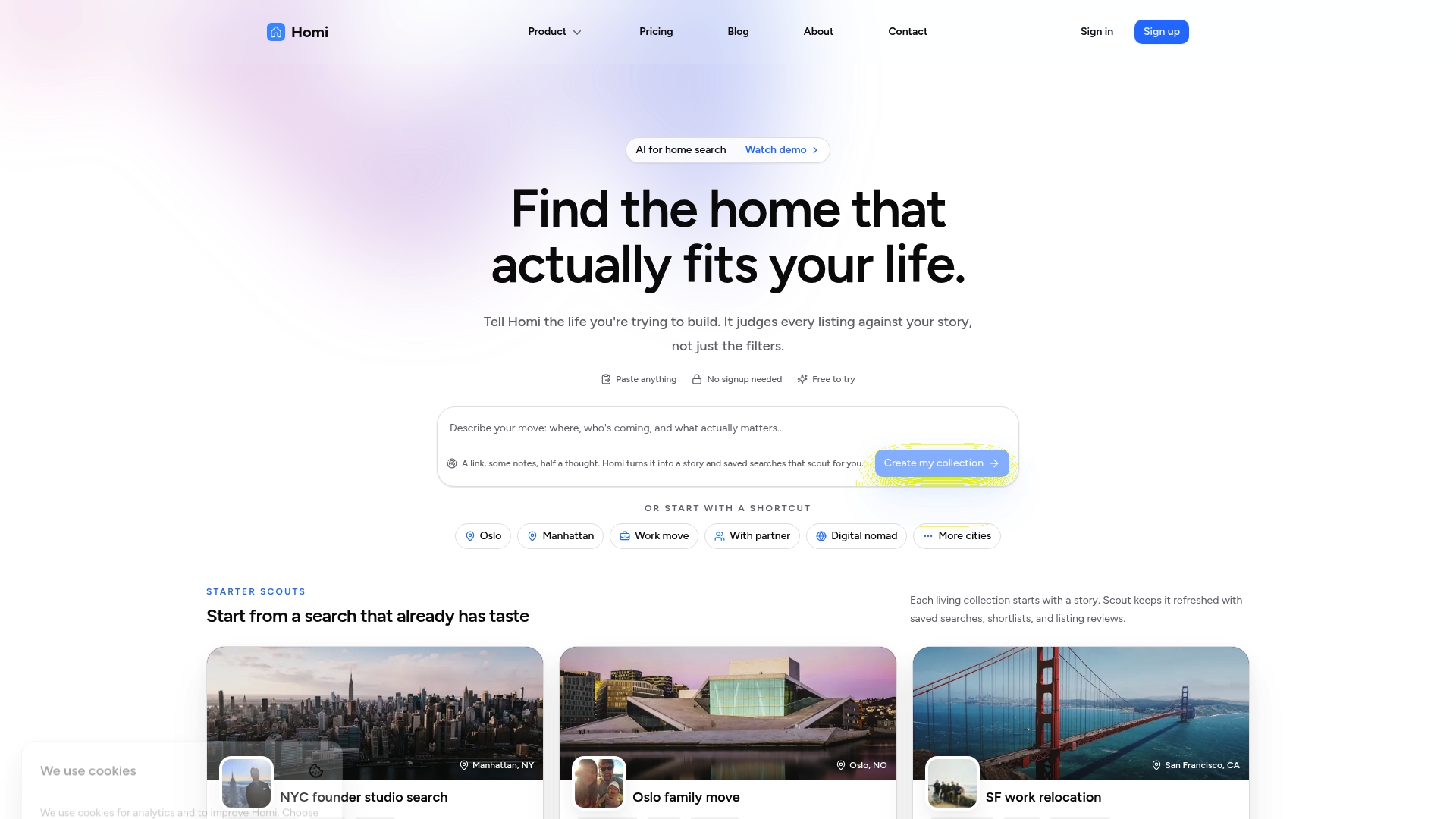
Free tier available, with Scout at $10/month and Move at $30/month for early access. Homi uses AI to turn your search notes into narrative collections that span multiple cities. The app also keeps persistent alerts and shared collections for real time collaboration.
Core Features
Homi builds narrative collections from the notes and criteria you enter, letting you group listings into storylike folders and compare trade offs. It stores saved listings and runs background monitoring so new matches arrive in your collections as they appear. Real time alerts and shared workspaces let agents, families, and relocation teams comment and update the same view.
Key Differentiator
Homi centers its workflow on AI powered storytelling that links your impressions to listings, rather than showing raw feeds. That approach converts scattered listings and chatty notes into a coherent thread you can review and share. The shared workspace keeps everyone on the same page during a multi person search.
Pros
Homi makes multi city searches easier by grouping listings into narrative collections and letting multiple people add context to each property. The real time alerts plus background monitoring reduce manual rechecking for new listings and price changes. Global coverage supports listings across countries, which helps relocation teams and agents juggling several markets. The free tier gives a low friction way to try collections and alerts before paying for faster monitoring.
Cons
-
Limited independent reviews: there are few third party reviews available to verify long term reliability. This makes external validation harder for cautious buyers.
-
Regional gaps: Homi supports major listing platforms but may have limited coverage in some regions. Buyers in niche markets could miss local inventory.
-
AI adaptation: the platform relies on AI driven features that may require learning and adjustment for users who prefer manual workflows.
-
Online dependency: real time monitoring and shared workspaces require a stable internet connection for full functionality.
When It May Not Fit
If you need private, offline note taking for sensitive feedback, Homi is not ideal because its value depends on shared collections and live alerts. Buyers who focus exclusively on a single local market may find coverage too thin in niche neighborhoods. Teams that require verified third party review signals may prefer tools with established independent feedback.
Who It's For
Homi fits families, relocation teams, and agents who want collaborative search rooms and ongoing monitoring across cities. It suits groups that trade impressions and need a shared audit trail of decisions. Solo buyers who value strictly private notes may prefer a different tool.
Real World Use Case
A family relocating to another state uses Homi to collect listings by neighborhood, add photos and impressions, and vote on favorites with their agent. The agent tags must see items and adds market context inside the same collection. Alerts notify everyone when a comparable property hits the market, keeping the group coordinated.
Pricing
Free to start with basic collections and alerts. Scout costs $10/month and adds background monitoring and faster updates. Move runs $30/month as an early access tier with priority monitoring and additional collaboration features.
Website: https://homi.so
Deli
At a Glance
Deli's marketing materials state search results return in under 800ms on average. That response-time claim frames the product as fast for interactive searching.
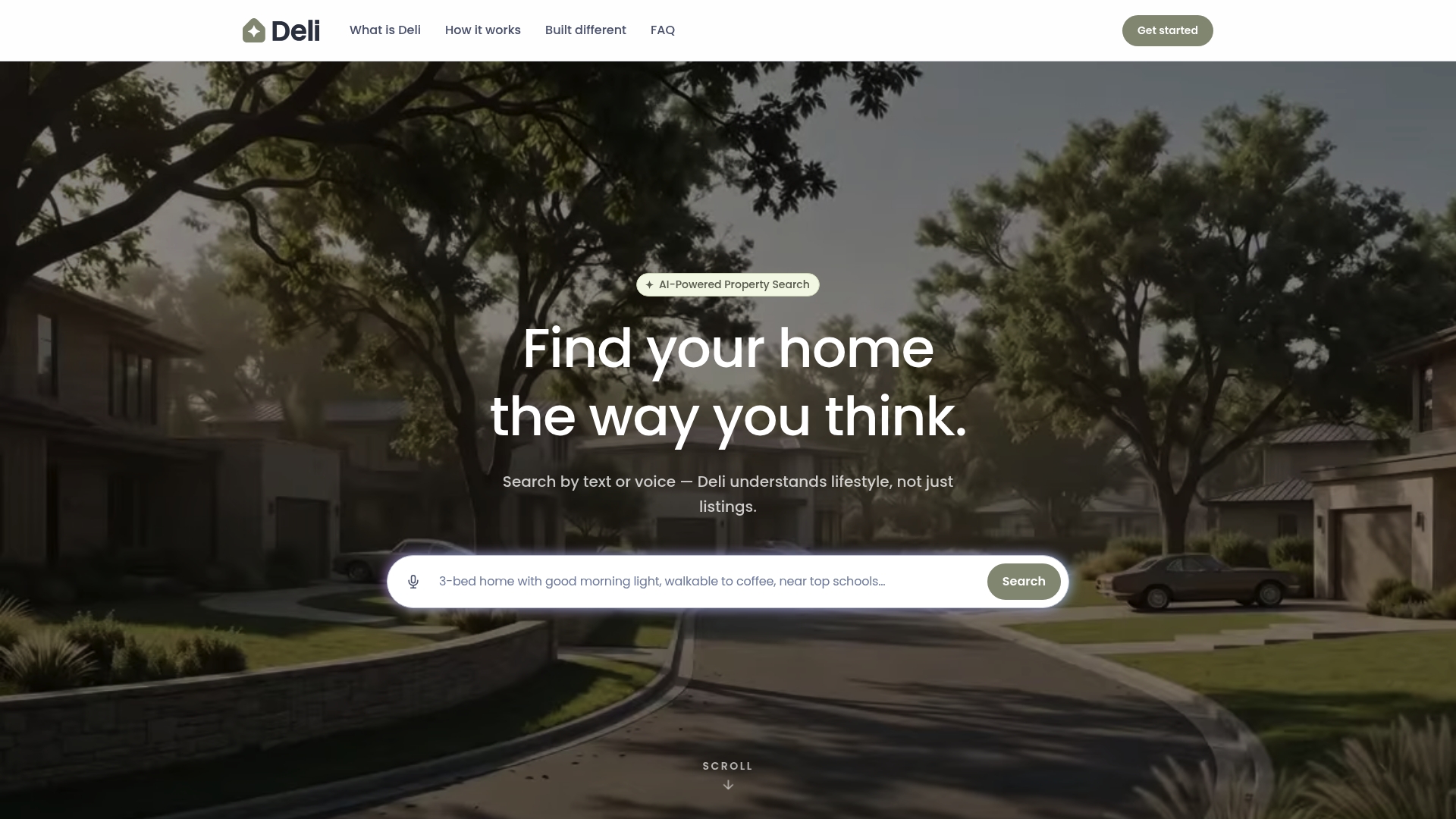
The service also allows text or voice descriptions of light, neighborhood feel, commute, and amenities. It requires no account or credit card to start.
Core Features
Deli accepts natural language prompts by text or voice and maintains a conversation to refine what you describe. Its semantic matching maps lifestyle descriptors to listing attributes and explains why results ranked higher.
Search results include real-time ranking with explanations and market intelligence that reports price trends, days on market, and comparables. All features center on finding homes that match how you describe living there.
Key Differentiator
Deli positions itself as the first search engine built to understand lifestyle preferences through natural language. That focus makes it a search tool rather than a private property notebook.
Users who want conversational, context-aware matching will find Deli more directly useful than tools built around saved notes and private impressions. The tool targets buyers, renters, and investors who prefer describing needs in plain language.
Pros
The product uses a lifestyle-based approach that can surface listings missed by traditional keyword filters. It supports multiple search modalities so you can speak, type, or chat to refine results.
The vendor advertises GDPR and CCPA compliance and a no-data-sales privacy stance. The platform also pairs search results with market insights so you see price trends and comparables alongside matches.
That response-time claim makes the conversational experience feel immediate when you refine criteria in rapid back-and-forth searches.
Cons
-
No third-party reviews are available. This limits independent confirmation of user experience and reliability.
-
Limited visibility into integrations or partnerships. That may matter if you rely on a single MLS or agent workflow.
-
The product lacks user testimonials or community feedback. You cannot gauge long term satisfaction from public sources.
-
Support and reliability depend on the underlying AI language model accuracy. Model errors can change search quality.
When It May Not Fit
If you need private touring notes, offer tracking, or secure shared folders, Deli may not meet those workflow needs. Its emphasis is on finding matches rather than recording post-tour impressions.
If brand recognition and third-party validation matter for procurement, Deli's limited market footprint could be a drawback. Teams that require robust integrations with brokerage systems may find the integration list short.
Who It's For
This tool fits buyers, renters, and investors who prefer describing lifestyle preferences instead of setting dozens of filters. It also fits people who want quick, conversational searches and market context with each result.
Real World Use Case
A buyer says, "I want a bright south-facing home walkable to a bakery with quiet streets." Deli returns ranked listings with short explanations and market metrics.
The buyer refines the query by mentioning commute time and schools and receives updated rankings in the same session. That flow keeps the search focused on lived experience rather than checkbox attributes.
Website: https://usedeli.com
Heasy
At a Glance
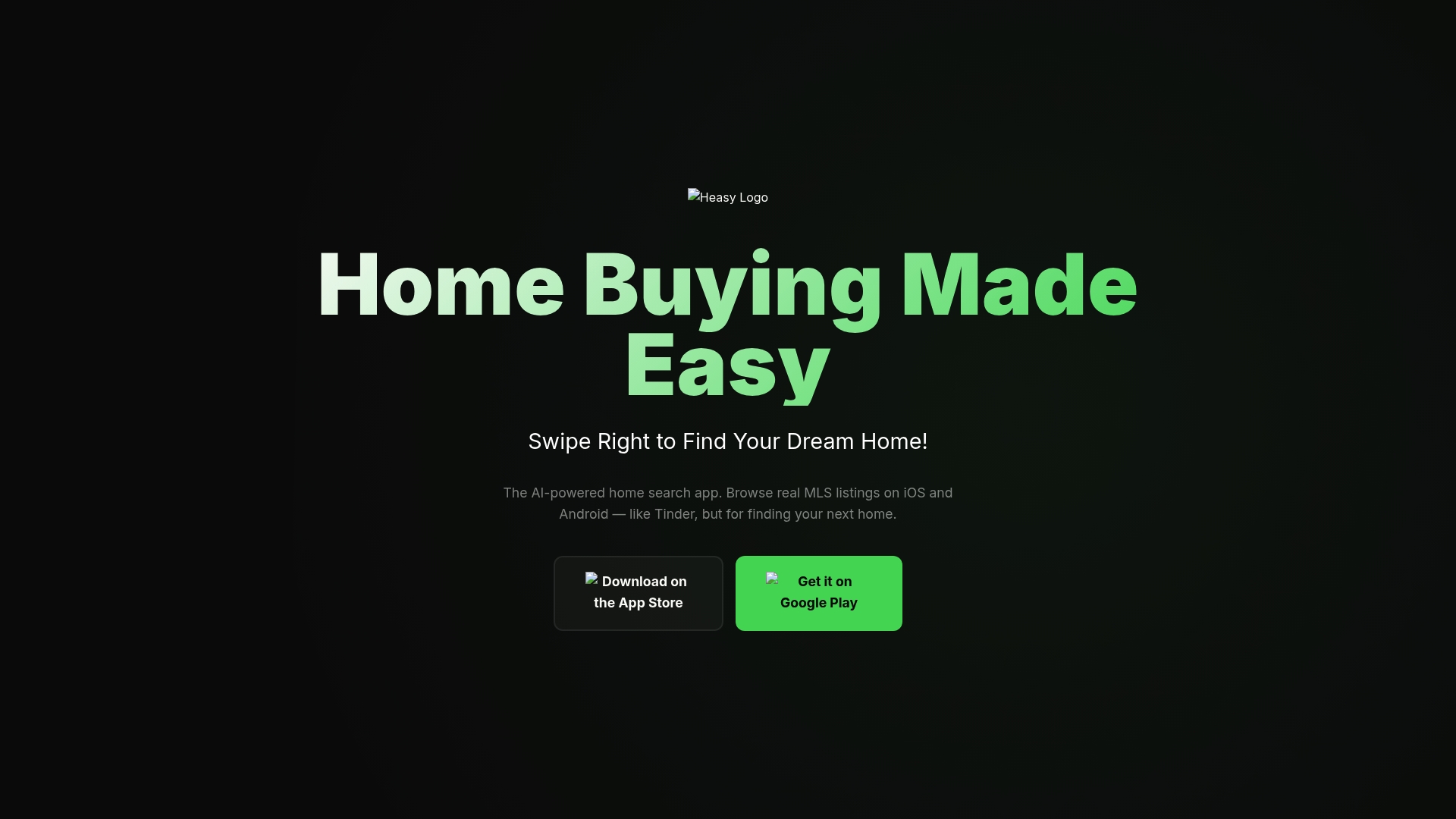
Heasy uses a swipe-based interface that presents MLS listings as cards, letting buyers pass or save properties with a thumb. It combines that card flow with AI-driven suggestions that learn from your swipes and saves. Buyers can also message listing agents from inside the app to ask questions and schedule viewings.
Core Features
Swipe based browsing converts MLS entries into photo forward cards with headline facts so members scan more listings quickly. An AI driven engine refines recommendations using likes, saves, and messaging behavior to surface properties that match evolving preferences. Saved homes appear in a favorites area and members message agents directly, keeping queries and scheduling inside the same platform.
Key Differentiator
Heasy pairs a card swipe model with MLS level data to prioritize preference signals over long search forms. That combination shifts discovery toward short mobile sessions instead of deep filtered search pages. For community style real estate tools, this approach nudges members to explore more listings and to contact agents from the moment interest appears.
Pros
The interface makes browsing approachable for members who prefer quick visual discovery rather than long filter screens. AI driven recommendations improve the relevance of what appears after a few swipes and saved homes. Direct messaging keeps conversations with agents in one place and reduces platform switching during early outreach. Because it relies on MLS feeds, listing details update when agents change them, aiding accuracy. Heasy is free for home buyers, which lowers the barrier to test the app.
Cons
-
Limited published user reviews make it hard to gauge long term reliability and community sentiment.
-
Feature detail outside MLS and messaging is sparse, so advanced member workflows may be missing.
-
Discovery can feel constrained for buyers searching very specific or niche property types because the swipe model favors broader matches.
Who It's For
Buyers who prefer a mobile first, visual way to review listings will benefit most from Heasy. Agents seeking direct connections with buyers who message through apps can use it to generate leads. Members who need highly specific filters and niche searches will find less value than those who want fast visual discovery.
Real World Use Case
A prospective buyer swipes personalized property cards while commuting and saves three homes that match school and commute needs. They message a listing agent from a saved card to confirm open house times and ask about property updates. The buyer schedules a viewing and keeps the shortlist in favorites without leaving the app.
Website: https://heasyapp.com
SmartHood
At a Glance
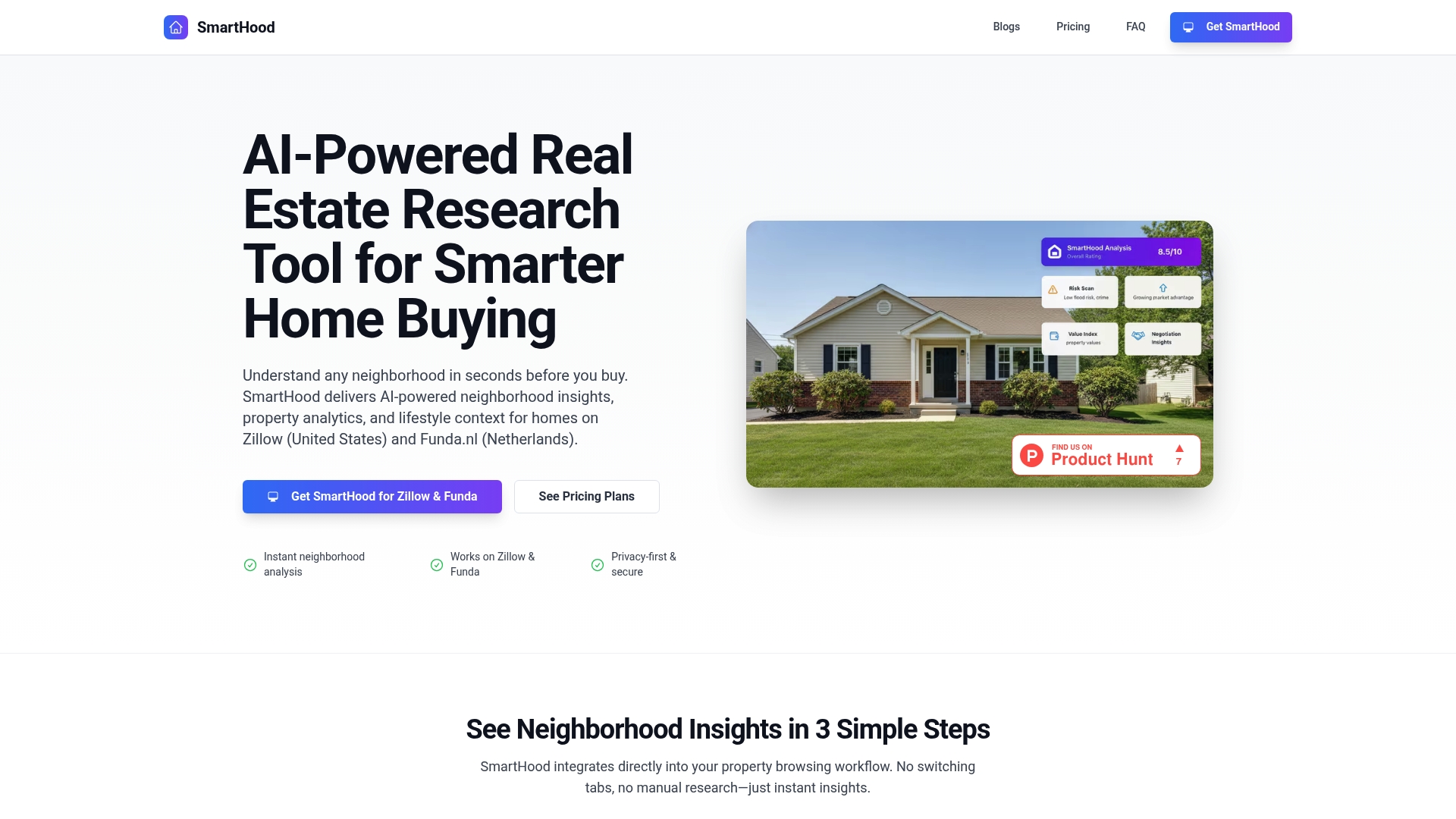
Integrates directly into Zillow and Funda.nl to surface neighborhood scores and amenity distances inside listing pages. SmartHood generates livability, safety, transport, and family scores using AI powered analysis. Its dashboard also delivers side by side comparisons, charts, and filters that work across the US and the Netherlands.
Core Features
SmartHood adds instant neighborhood analysis into property listings and calculates AI generated scores for livability, safety, transport, and family factors. It shows nearby amenities, schools, and transit with ratings and distances while offering side by side property comparison with visual charts. The dashboard centralizes advanced filtering, property organization, and deeper analytics so you can sort and compare without switching tabs.
Key Differentiator
The product stands out because its insights appear inside the listing pages you already use. That design lets you evaluate neighborhoods while you browse listings instead of toggling between mapping tools or separate dashboards. This keeps research time low and keeps context tied to each property.
Pros
Seamless integration with Zillow and Funda.nl means you do research on familiar sites. Instant AI generated insights reduce manual lookup of schools, transit, and crime statistics and speed decision-making. Multilingual support and a privacy focused stance make the tool usable across markets while keeping your notes and searches private.
Cons
- Limited external reviews make it hard to assess long term user satisfaction.
- Pricing plans may feel costly for casual buyers or for people who search infrequently.
- The experience depends on a browser extension install, which may not suit non Chrome users.
When It May Not Fit
If you prefer in person consultancy or broker led tours this tool will not replace that human guidance. Teams that require an enterprise management console or browser support beyond Chrome should look elsewhere. Buyers who rarely search online will get limited value from the subscription model.
Notable Integrations
- Zillow
- Funda.nl
Who It's For
Homebuyers and real estate professionals researching properties in the US and the Netherlands will find the tool most useful. Investors who analyze multiple listings quickly benefit from the comparison charts and filters. Property managers can use the neighborhood summaries to brief clients before showings.
Real World Use Case
A first time buyer browsing Zillow opens a listing and sees SmartHood scores for safety, schools, and transport beside the photos. They compare two nearby properties side by side and export the dashboard notes for a follow up call with their agent. The process cuts hours of separate research into a single browsing session.
Pricing
First Step - $19.99/month, City Seeker - $29.99/month, Prime Finder - $69.99/month. Plans scale by feature set and access to the dashboard and comparison tools.
Website: https://usesmarthood.app
ListWise
At a Glance
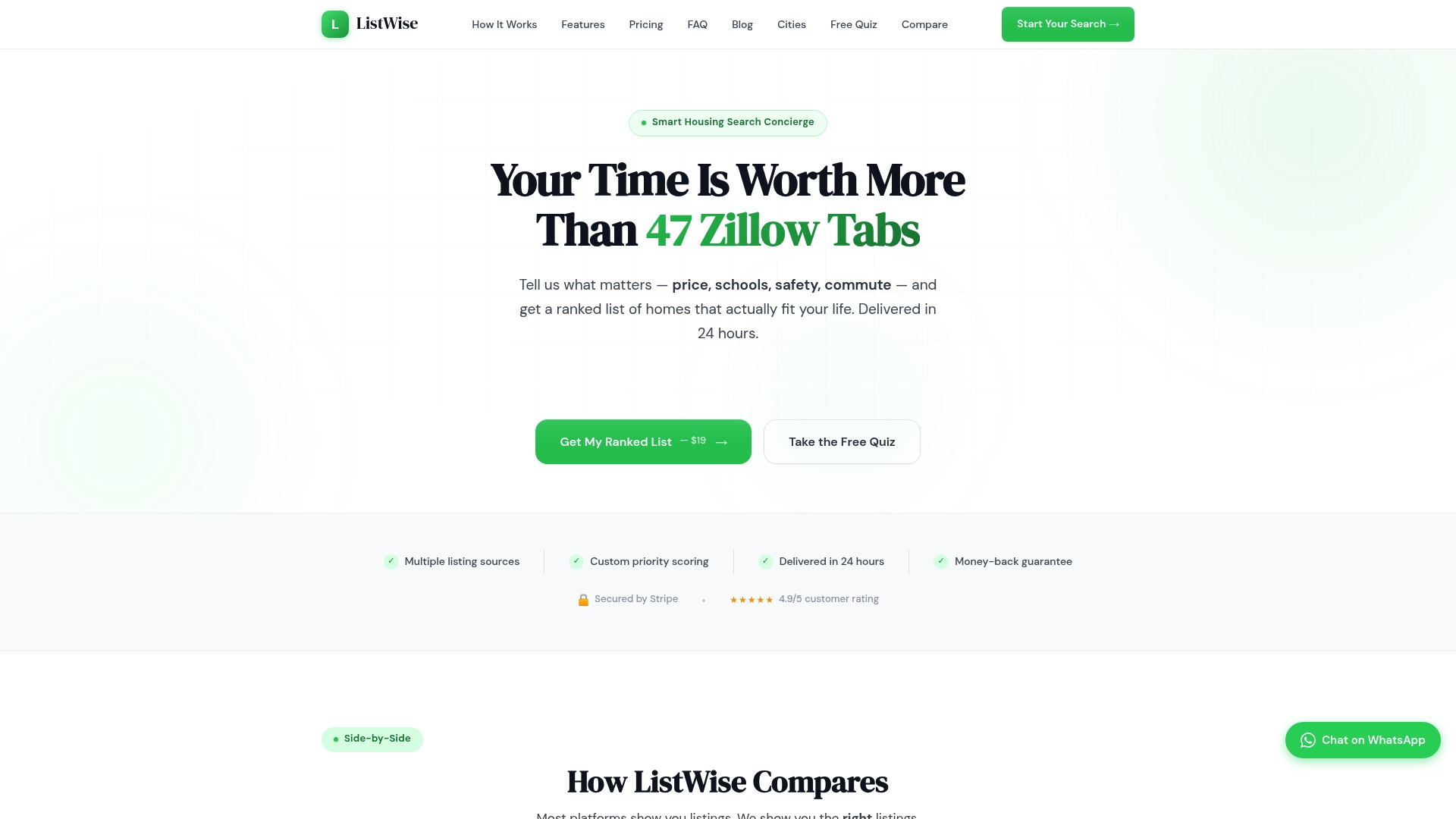
Draws on data from over 12 public sources to score and rank properties against your stated priorities.
The vendor says results arrive as a curated PDF and Excel report within 24 hours. ListWise focuses ranking on commute, schools, safety, walkability, and budget to match real lifestyle needs.
Core Features
ListWise applies AI to weight the priorities you set and produces a ranked list of properties with neighborhood analysis. It pulls MLS, crime, school, walk score, commute, and environmental inputs and summarizes each property with 0-100 scores. The product offers a free quiz to preview how priorities affect rankings and supplies reports that follow the vendor delivery timeline.
Key Differentiator
The defining difference is its AI-driven personalized scoring that ranks homes specifically for your priorities rather than showing generic listings. That focus makes it a shortlisting tool for buyers who want a prioritized shortlist quickly, not a private note repository such as Nestnoted.
Pros
ListWise produces prioritized recommendations tailored to what matters to you, which reduces hours spent comparing identical listings. It aggregates many public sources so neighborhood and safety context come bundled with each report. The free quiz helps you test the scoring method before paying, and the vendor claims rapid report delivery for users who prefer a fast, packaged overview.
Cons
-
Requires payment starting at $19 for detailed reports, which may deter budget users.
-
Not a real estate brokerage. You must handle offers, showings, and transactions independently.
-
Relatively new platform in 2026, so some features may still be maturing.
-
Reports are not updated in real time; that delivery timeline may not suit urgent bidding situations.
When It May Not Fit
If you need instant, real-time listing alerts, ListWise may feel slow because reports follow the vendor delivery timeline. If you expect brokerage services or agent-led transactions, this service does not provide them. Budget shoppers who only use free listing portals may find the paid reports unnecessary.
Who It's For
Homebuyers and renters who want a data-backed ranked shortlist based on clear personal priorities will get the most value. Relocation coordinators and agents can use the reports to align candidate neighborhoods with client needs. People who prefer a quick, scored comparison over manual spreadsheet work will like its format.
Real World Use Case
A family relocating to Miami lists safety, schools, and commute time as top priorities in the free quiz. They order a prioritized report and receive a ranked set of neighborhoods and properties that match their constraints, which helps them narrow visits to the best fits under tight timing and limited availability.
Website: https://listwise.alldayautomations.ai
Comparison of alternatives
NestNoted prioritizes privacy and organizational efficiency for prospective homebuyers, offering features tailored for monitoring and note-taking across multiple listings.
Privacy vs. Collaboration
NestNoted provides a privacy-centric space for managing multiple properties, which is ideal for individual buyers or families looking to comprehensively document their decision process. In contrast, Homi excels in multi-region collaborative search environments, leveraging real-time AI-driven alerts and shared workspaces, making it a better fit for geographically diverse teams.
Lifestyle Search Capabilities
NestNoted’s structured interface suits buyers focusing on property detail, while Deli’s natural language search algorithm appeals to audiences seeking lifestyle-driven matches. Users can input conversational queries to refine search terms dynamically, making Deli advantageous in scenarios where personalization is.
Best fit
- Privacy-conscious homebuyers seeking a confidential and organized system for noting impressions and managing property decisions benefit from NestNoted’s streamlined interface.
- Relocation teams requiring dynamic collaboration tools across multiple regions find Homi’s alert systems and narrative collections exceptionally useful.
- Lifestyle-oriented buyers or investors preferring discovery mappings based on natural conversational preferences rather than checkbox-style filters will appreciate Deli’s search engine.
- Buyers prioritizing rapid visual exploration or casual mobile browsing can leverage Heasy’s card-swipe interface effectively during commutes.
Our pick
NestNoted excels by focusing on privacy and detail-oriented functionality, making it ideal for managing multi-property searches. However, those prioritizing collaborative tools or lifestyle-driven discovery might explore Homi or Deli respectively as alternatives.
Finding the right house hunting app means choosing the one that best aligns with your specific needs and priorities when managing your property search and decision-making process.
| Product Name | Key Features | Best For | Pricing | Notable Limitation |
|---|---|---|---|---|
| NestNoted | Private note-taking, offer tracking, price monitoring | Buyers seeking confidential and organized searches | Free | Not suited for public property ratings |
| Homi | AI-generated narrative collections, real-time alerts | Group searches and multi-city relocations | Free, $10–$30/month | Requires stable internet for full features |
| Deli | Conversational search via text or voice | Buyers preferring lifestyle-focused searches | Free | Lacks private touring notes functionality |
| Heasy | Swipe-based MLS browsing, AI recommendations | Visual-first homebuyers and quick searches | Free | Limited advanced filters for niche needs |
| SmartHood | Integrated neighborhood analysis with AI | Buyers needing comprehensive local insights | $19.99–$69.99/month | Requires browser extension for functionality |
| ListWise | AI-driven prioritized property reports | Time-sensitive buyers seeking ranked results | $19 per report | Reports not real-time; fixed delivery format |
Finding the Best House Hunting App for Private and Organized Home Searching
The search for the best house hunting apps often reveals challenges like managing dozens of listings, tracking offers, and keeping notes private. Buyers and agents need a tool that cuts manual entry and protects candid feedback. Nestnoted answers these needs by providing a private, organized platform designed for serious home buyers who want to log impressions, monitor price changes, and maintain detailed offer histories without public exposure.
Key benefits include:
- Privacy first design so your notes stay confidential
- Automatic import from major listing sites to save time
- Visual pipelines to track buyer progress from interest to offer
Explore how Nestnoted can help track your search and offers and bring clarity to your home buying process. Start using Nestnoted to organize your property journey and keep your feedback private and secure.
FAQ
What is a key feature of Nestnoted?
Nestnoted offers a private notepad where you can record impressions, ratings, and pros and cons for each property. This feature allows for a confidential collection of your thoughts, ensuring that your impressions remain private and not public reviews. Consider utilizing this to keep your search organized and your feedback candid.
How does Nestnoted compare to Homi?
Homi excels at creating AI-powered narrative collections grouped by your notes and criteria, making it useful for collaborative searches across multiple cities. In contrast, Nestnoted is designed for buyers who prefer private and detailed tracking of home offers without the need for public collaboration. Choose Nestnoted for a more organized, private workspace focused on decision-making.
What is the pricing structure for Nestnoted?
Nestnoted is free forever, meaning there are no paid tiers or pricing limits listed. This allows users to access all core features without any upfront fees, making it a low-risk option for serious homebuyers.
Can I use Nestnoted if I want to collaborate with others?
Yes, Nestnoted includes a shared workspace option that enables collaboration with an agent or partner. This feature makes it easy to keep all your decisions and notes organized in one private area, facilitating discussion without public visibility.
Does Nestnoted integrate with any listing sites?
Nestnoted integrates with major real estate listing sites like Zillow and Redfin. This automatic import feature saves time on data entry when tracking multiple listings, making your search process more efficient.