

Tracking visits, negotiations, and shared priorities for several homes often leaves buyers with scattered notes and missed details. Most standard home buying apps lack built-in privacy, negotiation tools, or true transaction management in one place. This comparison outlines privacy, collaboration, and cost tracking features in five leading alternatives so buyers, families, and agents can match the right app to their home search style.
Table of Contents
NestNoted
At a Glance
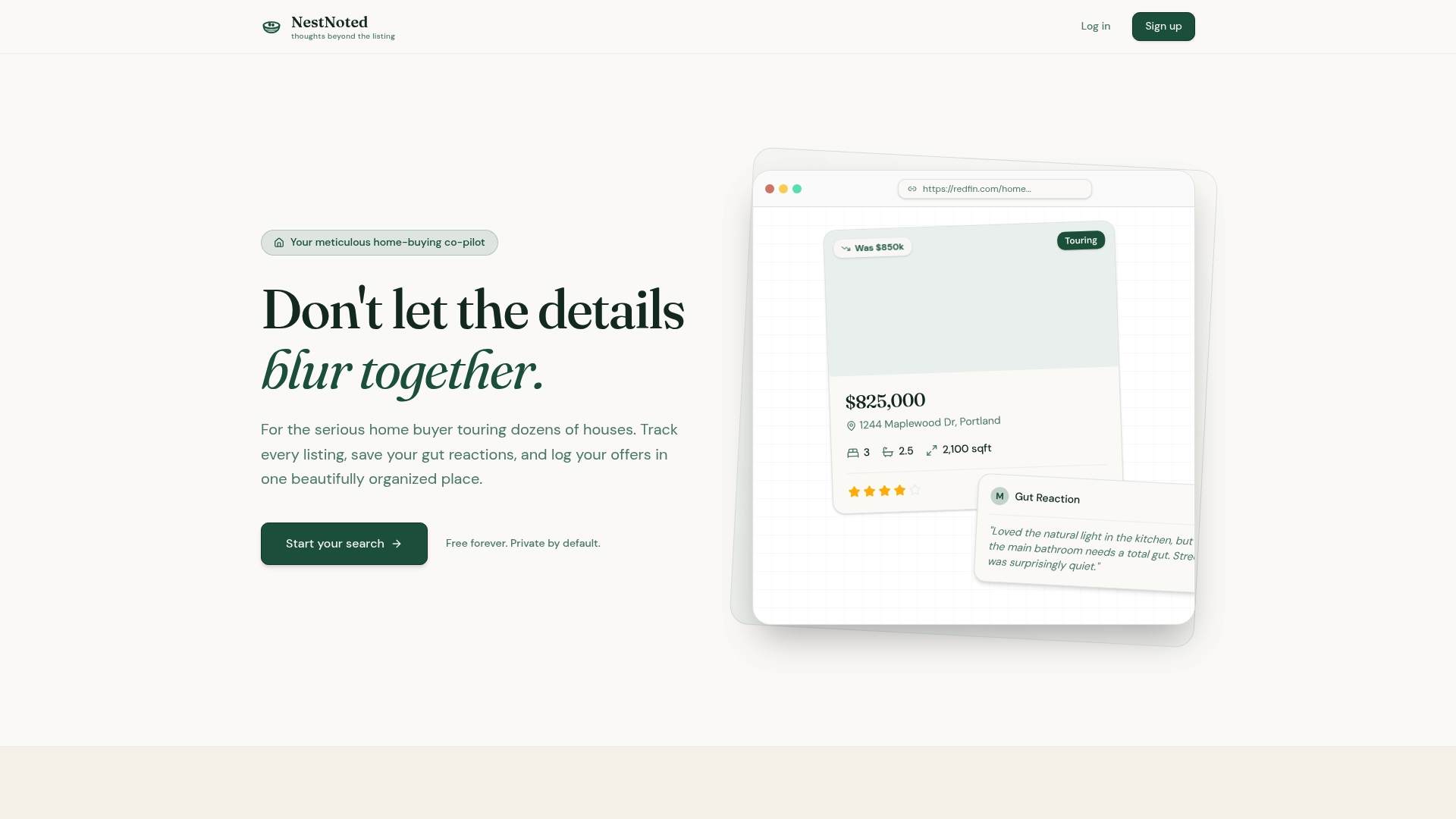
Integrates with Zillow and Redfin to auto-populate property details from listing links. Notes are private by default, so your impressions do not appear in public reviews. The app also tracks offers and negotiations alongside price drop alerts with visual indicators.
Core Features
NestNoted gives each listing a private notepad where you add text, photos, and a custom 5-star rating. The platform auto-populates property details from external links and offers a visual pipeline to track visits, offers, and negotiation stages. You can create side-by-side pros and cons lists, set price drop alerts, and use an AI assistant to query your notes and listings while sharing selected items with collaborators.
Key Differentiator
A private, integrated notepad with automatic property details extraction and negotiation tracking keeps every home record in one place. That single record ties your impressions, ratings, offer history, and price alerts to the original listing. The combination reduces the need for scattered notes or multiple spreadsheets when you are comparing several homes.
Pros
Privacy is central: every note is confidential by default, letting you write candid impressions without public exposure. Auto-population from major listing sites saves time on data entry and keeps address, photos, and basic specs linked to the note. Pipeline and negotiation tracking mean your offer history and next steps stay visible to invited collaborators only, and the ad-free interface keeps focus on the homes you are tracking.
Cons
- Focused on private note taking and basic tracking; it lacks advanced analytics and large-scale listing dashboards, and it depends on external links for auto-population which can occasionally be inaccurate.
Who It's For
Serious home buyers touring multiple properties who want a private place to log impressions and offers. Couples and small groups who share selective notes with an agent will find the collaboration controls useful. Agents who need a confidential way to send observations to clients can use member invitations without publishing public commentary.
Unique Value Proposition
All notes are private by default. That default privacy lets you keep frank reactions separate from public listing pages while sharing specific entries with an agent or partner. The workflow reduces the friction of managing competing impressions and preserves negotiation information in a single private record.
Real World Use Case
A couple records each house visit, uses the auto-filled property details to avoid manual entry, and rates houses on a five-star scale. They log an offer in the pipeline, watch a price drop alert, and share a concise note view with their agent. The agent sees only invited entries and helps refine negotiation strategy.
Website: https://nestnoted.com
Moea
At a Glance
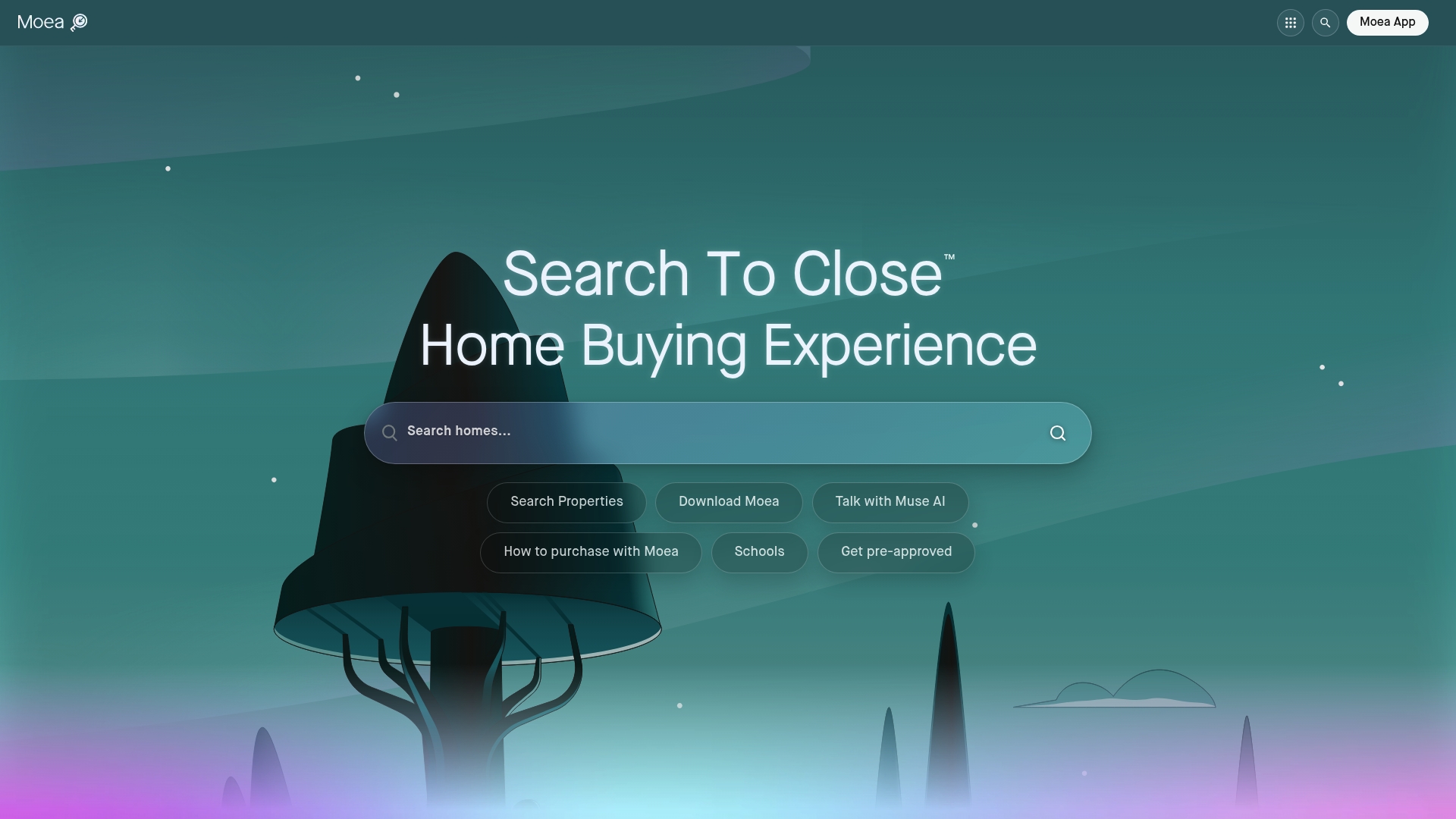
In-app mortgage pre-qualification and integrated title services appear alongside AI-guided offer creation and augmented reality tour insights. The app combines property search, tour scheduling, and offer management into a single U.S. platform. That mix aims to carry buyers from initial search through to closing within the same interface.
Core Features
Moea bundles property discovery, tour planning with AR insights, and offer drafting inside one app. The platform uses Muse AI for real-time assistance and market analysis, and it offers lender comparison and mortgage pre-qualification tools. Transaction workflows run through Homelab and the Offer Center, so buyers can track documents and milestones without switching apps.
Key Differentiator
The standout is the combination of AI offer guidance with direct access to mortgage and title partners inside a single workflow. This differs from Nestnoted, which centers on private property notes and tour impressions rather than full transaction handling. Moea focuses on moving a purchase forward by tying AI guidance to lender and title connections.
Pros
Moea keeps search, offers, and closing steps together, which reduces the number of separate tools a buyer must manage. The AI features help generate comparable market context and suggest offer elements during drafting. The vendor emphasizes transparency about listing details, fees, and partner relationships, and the app includes educational guides and lender comparison tools. The platform claims no fees for basic use, with optional partner savings available to some buyers.
Cons
-
Moea is not a licensed real estate brokerage or mortgage lender, so legal authority and certain transaction steps rely on external providers.
-
Heavy reliance on technology means some buyers who prefer in-person processes may find the app awkward to fit into their workflow.
-
Specific buyer assistance programs and savings depend on partner availability and local market coverage.
When It May Not Fit
If you want an app that guarantees in-house brokerage or lending services, Moea is not the right choice. Buyers who avoid technology for critical decisions will find the reliance on AI and digital workflows limiting. Also expect variability in savings and partner services by location.
Notable Integrations
Moea connects to lender and closing partners to move transactions forward. Key integrations include Presidential Bank Mortgage, Lighthouse Title, and Lueder, Larkin & Hunter, LLC. Those connections support in-app mortgage comparison and title coordination during closing.
Who It's For
This app fits U.S. buyers who prefer a technology-centered purchase process and want lender and title options inside the same tool. It suits buyers ready to use AI suggestions when assembling offers and comparing mortgage terms. Investors who need quick market context and comparable analysis will also find value.
Real World Use Case
A first time buyer searches neighborhoods, schedules an AR-enhanced tour, and asks Muse AI for comparable sales during the showing. They build an offer in the Offer Center, compare partner mortgage options, and track title steps through Homelab. The buyer moves from search to closing without exporting notes or juggling separate lenders.
Website: https://moea.com
MustWants
At a Glance
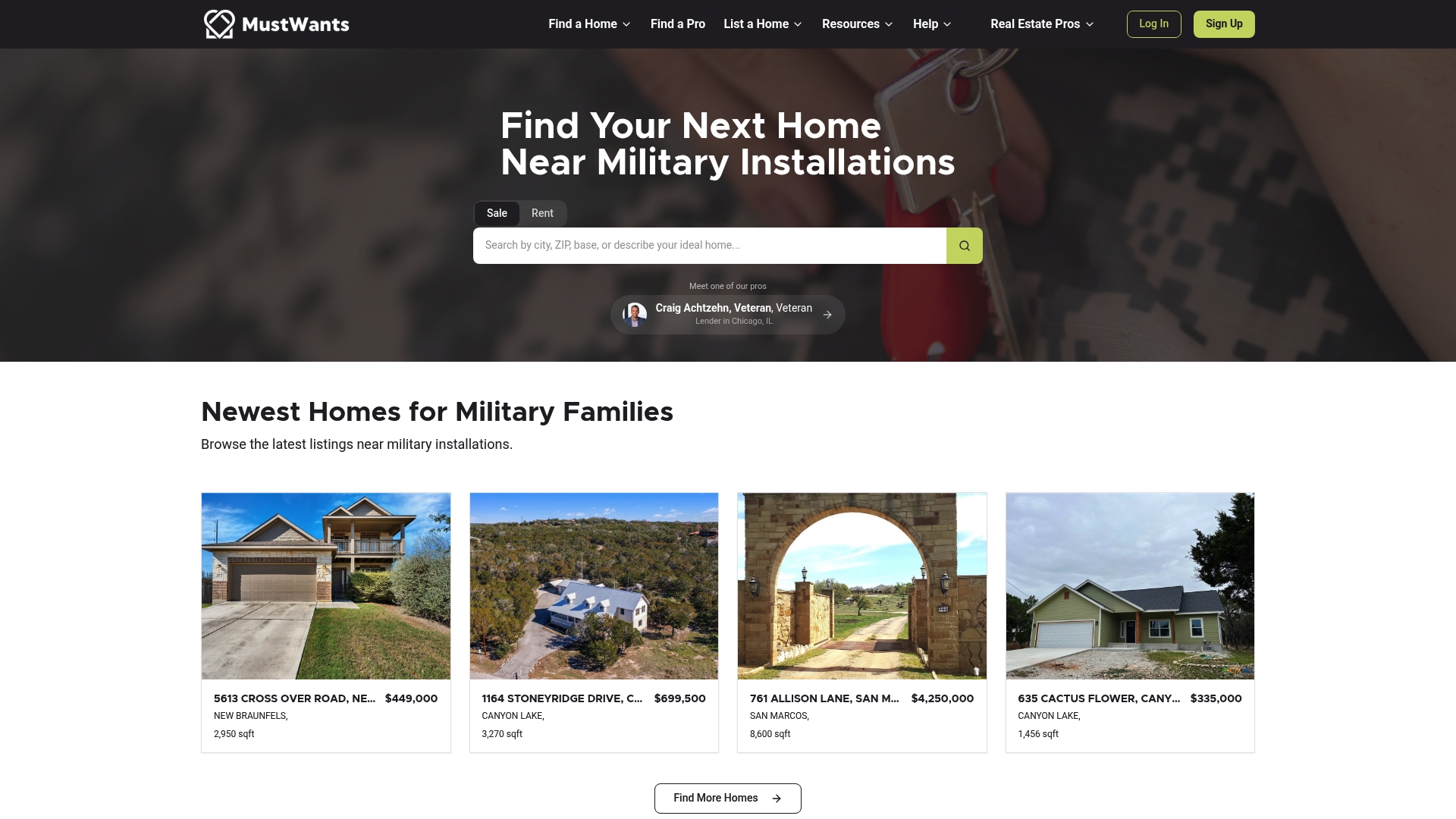
A patented visual collaboration method focuses on shared decision making for military Permanent Change of Station moves. The founders, Scott Hayford and Julie Warlick, built the system from firsthand military family experience. That experience shaped the platform, so it pairs collaborative tools with vetted professionals and relocation resources to help families decide together when they are apart.
Core Features
MustWants helps members set side by side priorities with a visual board for partners and family to compare values and tradeoffs. Members can search and compare listings together in real time and use decision tools tuned for PCS relocation choices. The platform links members to vetted real estate agents, lenders, inspectors, and a library of maps, checklists, blogs, podcasts, and calculators.
Key Differentiator
MustWants centers on shared decision making for military moves. Its visual workflow reflects firsthand military family experience and prioritizes remote collaboration across distances. That focus narrows the community to active service members, veterans, and their immediate networks.
Pros
The Visualize Priorities board reduces back and forth by showing partners where they differ on commute, schools, budget, and lifestyle. Access to vetted professionals cuts uncertainty during a PCS. The platform groups agents, lenders, and inspectors so members can compare recommendations. A broad resource set includes Resources & Calculators, blogs, and podcasts that address military specific rules and cost considerations.
Cons
- Limited information on detailed pricing or subscription plans beyond free features and basic paid tier.
- Dependence on user-provided data and vetting processes, which may vary in quality.
- Limited details on integrations with third party real estate or financial systems.
When It May Not Fit
This community platform may not replace in-person real estate services for complex transactions that need local inspections and negotiation. It relies on active member engagement and accurate contributions to keep listings and professional vetting current. Buyers who prefer one on one agent management or full service broker support may find the platform a poor fit.
Who It's For
Military families and veterans preparing for PCS relocations will get the most from MustWants. Couples living apart during assignments can use side by side priority boards to keep decisions collaborative. Smaller family networks and base relocation coordinators will also find the shared tools useful.
Real World Use Case
A sailor assigned across the country uses MustWants to set priorities with a spouse stationed stateside. They compare three homes, shortlist trusted agents, and run mortgage calculators together before making an offer. The shared notes and vetted contacts shorten vendor choice and reduce phone tag during intense move weeks.
Website: https://mustwants.com
Home Savvy
At a Glance
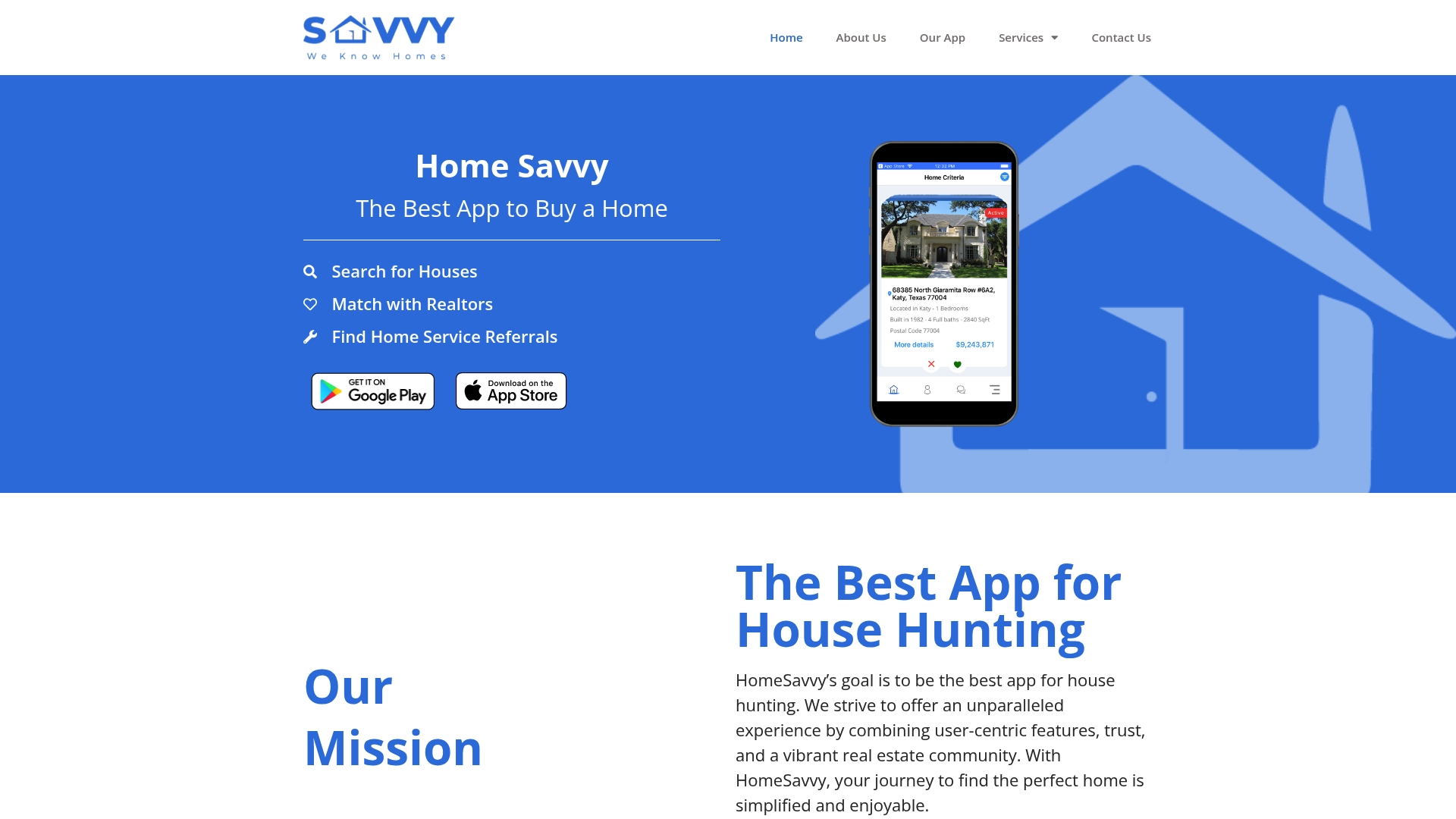
Home Savvy centers its discovery flow on a swipe and match style search that turns scrolling listings into a quick yes or no decision. The app also pairs buyers with local real estate agents, and offers a network of contractors for repairs and renovations. Availability on both Google Play and the Apple App Store keeps the process mobile first, so you can review listings and agent matches while touring neighborhoods.
Core Features
Home Savvy combines a swipe-based property browser with detailed listing cards and agent profiles that highlight local experience and specialties. The platform links users to a vetted network of service professionals for inspections, repairs, and renovations and emphasizes minimal data collection to protect privacy. The interface groups search results, saved homes, and professional referrals so your research and contacts stay in one place.
Key Differentiator
The product pairs an intuitive swipe and match search with a verified local professional network and a stated privacy focus. That mix targets buyers who want fast discovery plus real-world connections to agents and contractors. This positioning narrows the appeal to people who value quick curation and local referrals over heavy market analytics.
Pros
Home Savvy’s swipe interface makes initial property filtering fast, which helps first-time buyers reject poor fits quickly and save promising listings. The agent matching and referral network reduce time spent googling contractors by surfacing professionals tied to each neighborhood. The platform’s privacy emphasis means fewer intrusive tracking prompts while you browse, which keeps notes and preferences more discreet. Availability on standard mobile app stores keeps the experience native to phones and tablets for on-the-go house hunting.
Cons
- Limited transparency on listing data sources and accuracy, which may require cross-checking with MLS or agent-supplied records.
- Coverage may be uneven outside established metropolitan or suburban markets because the product emphasizes local agents.
- Lacks built-in tools for complex legal or financial workflows, so buyers handling short sales or extensive title issues will need additional services.
When It May Not Fit
If you need exhaustive market data, advanced comparables, or integrated mortgage and title workflows, Home Savvy feels narrow. Teams managing multiple buyers or large investor portfolios will miss batch export and portfolio reporting features. Buyers who require specialized transaction tools for distressed properties should plan to pair Home Savvy with a listing service or broker platform.
Who It's For
Home Savvy fits first-time buyers, couples, and solo shoppers who prefer fast visual discovery and local recommendations over heavy data analysis. It also suits agents and contractors who want a simple way to reach motivated prospects. People who prioritize privacy while they browse and collect notes will find the platform aligned with that preference.
Real World Use Case
A first-time buyer swipes through neighborhoods, saves three homes, and receives a matched agent profile within the app. The agent arranges a showing and the buyer taps a recommended contractor for a pre-offer inspection. The buyer keeps private notes on each property inside the app and moves to an offer with a local team already lined up.
Website: https://homesavvy.app
Homi
At a Glance
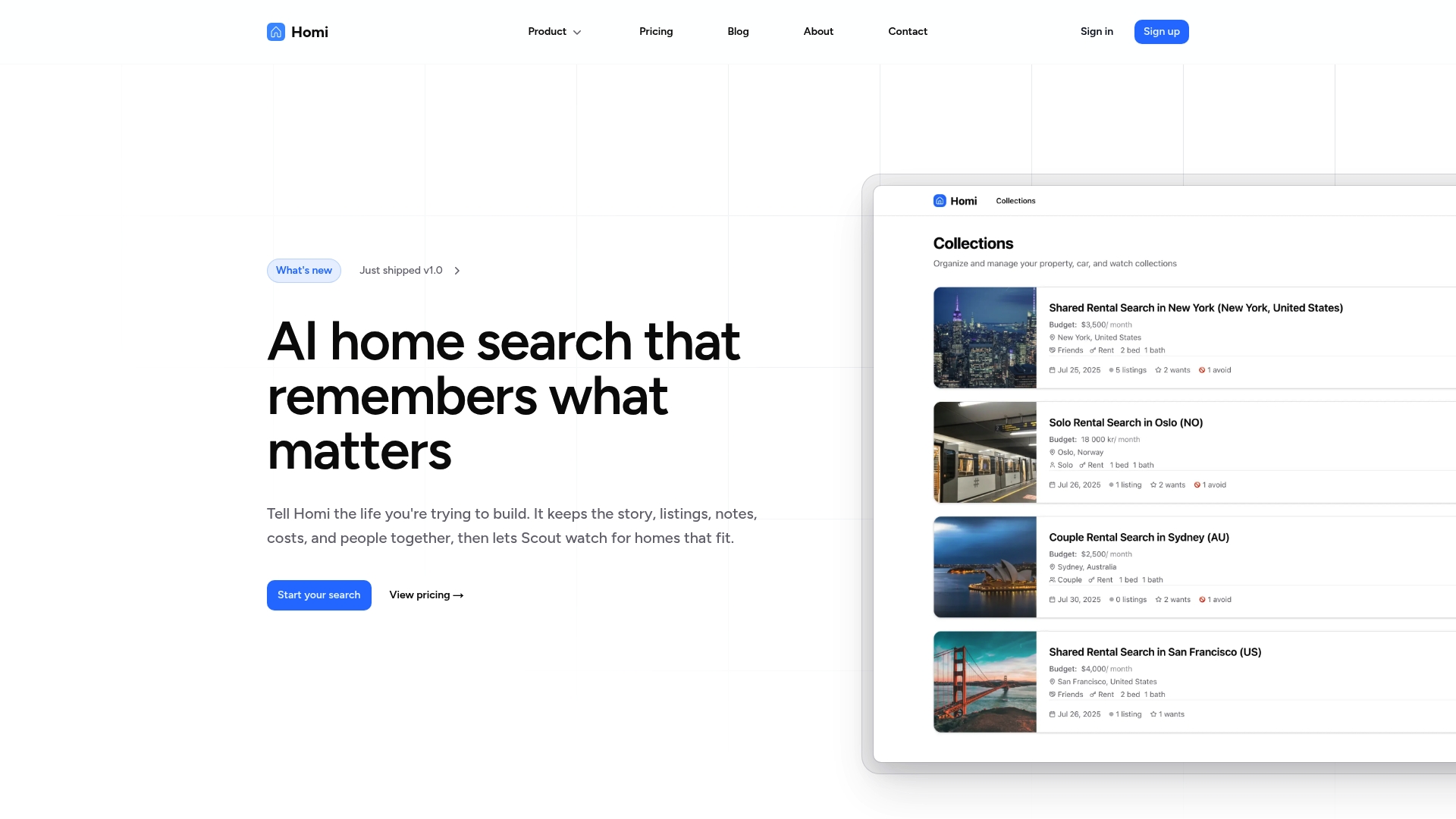
Real cost projections that include mortgage, HOA fees, utilities, and remodel expense estimates power Homi. The platform pairs those projections with AI driven data extraction from listings. That pairing helps you compare real monthly cost scenarios rather than list price alone.
Core Features
Homi extracts listing data automatically and produces real cost projections that factor mortgage, utilities, HOA, and remodel estimates. It automates document review to highlight contract red flags and offers viewing scheduling that optimizes based on location and availability. The platform also supports importing listings from multiple sites and adds rental income and remodel cost projections for investor analysis.
Key Differentiator
The standout capability is AI powered automation that handles extraction, cost estimation, and document review tied to personalized search stories. That automation reduces manual note taking and keeps each property threaded to a clear workflow. For active shoppers who track many homes, that story focus preserves context across visits and conversations.
Pros
Homi supports listings from many sources, which makes it flexible if you pull results from Zillow, Realtor.com, or local sites. The AI powered features cut down time spent copying numbers into spreadsheets and surface potential contract issues during document review. Collaboration features let families, buyers, and agents comment and share updates in real time so decisions reflect group feedback. Custom stages and workflows let you match the app to how you shop, whether you are comparing fixer uppers or no fuss condos.
Cons
- Potential complexity for new users due to many customization options. Learning the workflows takes a few active searches.
- Pricing may matter for casual browsers since advanced monitoring sits behind monthly plans. Casual use on the free plan will feel limited.
- Third party reviews did not list major technical failures, but public commentary on long term reliability is limited.
When It May Not Fit
This section is omitted because no explicit limitations were provided by the vendor.
Who It's For
Homebuyers who want cost focused comparisons and families making joint decisions will benefit most. Real estate agents and investors who need rental income and remodel projections will find useful analytics. Casual browsers who want only occasional alerts may find the feature set more than they need.
Real World Use Case
A family imports saved listings from several sites into Homi, then uses the story workflow to tag favorites and schedule viewings. The app flags a potential title issue in a document and shows remodel cost estimates for the kitchen. Shared comments let each family member rank priorities before an offer.
Pricing
Homi offers a Free tier, a Scout plan at $10/month, and a Move plan at $30/month. Early access discounts may be available for new subscribers.
Website: https://homi.so/product
Comparison of alternatives
Home buyers concerned about maintaining secure, private logs of their property evaluations and negotiations will find NestNoted stands out for its integrated confidentiality features. However, depending on individual needs, alternatives excel in areas such as partner workflows, real cost projections, and unique collaborative environments.
Privacy vs Integrated Transactions
NestNoted offers a system where all notes and evaluation impressions are confidential by default, tied to their respective listings, allowing an uninterrupted review experience. In contrast, Moea combines property search, market analytics, and transaction management into one platform, designed for workflows and reducing the need to switch between tools.
Customization and Dynamic Analysis
While NestNoted focuses on streamlining property tracking, Homi excels by providing real monthly cost projections including HOA, utilities, and remodeling estimates integrated into data extraction workflows. This serves buyers balancing financial constraints and advanced planning settings.
Best fit
- Buyers needing secure, private notes to log impressions confidently while tracking negotiations will prefer NestNoted.
- Technology-centered buyers leveraging AI-driven workflows for offer drafting and market analysis may find Moea the choice.
- Military families relocating with reliance on decision boards and vetted professionals will benefit from MustWants.
- First-time buyers favoring fast visual house filtering and local agent recommendations will appreciate Home Savvy.
Our pick
NestNoted remains for its ability to integrate automatic listing details with confidential, detailed record keeping for each property. This workflow is ideal for customers prioritizing privacy during their property review and decision phases. For scenarios demanding dynamic transactional workflows or tailored relocation assistance, consider Moea or MustWants respectively.
The following table highlights the attributes of leading home buying apps, focusing on their primary features and target users to aid in selection:
| App | Core Feature | Best For | Pricing | Notable Limitation |
|---|---|---|---|---|
| NestNoted | Private notepad with auto details | Serious buyers tracking multiple homes | Price not published | Limited advanced analytics or dashboards |
| Moea | AI-guided offers with mortgage tools | U.S. buyers leveraging AI and tech | Price not published | Heavily relies on technology for workflows |
| MustWants | Visual decision tools for families | Military families managing relocations | Price not published | Limited details on third-party integrations |
| Home Savvy | Swipe-based property matching | First-time buyers wanting quick curation | Price not published | Requires cross-checking listing data accuracy |
| Homi | Real cost projections with AI | Investors needing detailed cost analysis | Free, $10–30/month | Advanced monitoring restricted to paid plans |
How Can You Keep Track of Multiple Homes Without Losing Details?
Homebuyers often face the challenge of organizing impressions, offers, and price changes when touring many properties. Without a centralized, private place to gather all this information, notes get scattered, and important details get lost. Nestnoted solves this by providing a private, organized platform tailored for serious home buyers. It auto-populates property data from major listing sites and keeps offer history and price alerts tied to each listing in one confidential space.
Key benefits of Nestnoted include:
- Private notes by default for honest feedback
- Visual pipeline to track visits and negotiations
- Simple side-by-side pros and cons lists
If you want to manage home listings and offers while sharing select details only with your agent or partner, see how Nestnoted can organize your home search. Get clarity on each property and avoid juggling spreadsheets or lost messages.
FAQ
What features does Nestnoted offer for home buyers?
Nestnoted provides a private notepad for each listing where users can add text, photos, and a custom 5-star rating. The platform also autopopulates property details from external links, allowing users to track visits, offers, and negotiation stages in a visual pipeline. Consider using Nestnoted to keep all your home buying notes and ratings in one secure location.
How does Nestnoted compare to Moea for tracking offers?
Moea excels in integrating features like in-app mortgage pre-qualification and augmented reality tour insights. However, Nestnoted is more focused on private note taking and negotiation tracking, making it ideal for buyers who want to log candid impressions without public exposure. This means if your priority is detailed personal impressions of homes, Nestnoted is the better choice.
What benefits does the private notepad of Nestnoted provide?
The private notepad enables users to write candid impressions without the worry of public exposure. This feature is particularly valuable for serious home buyers who are comparing multiple properties and want a confidential method to track their thoughts and ratings. Use this to manage your records efficiently while keeping your insights private.
Is Nestnoted suitable for solo home buyers?
Yes, Nestnoted is suitable for solo home buyers who want a private space to record impressions and manage offers. The confidential nature of the notes allows individual buyers to engage deeply with their evaluation process and maintain control over their personal data. This means you can focus on assessing each property without external influence.
Can I track home listings from external sources with Nestnoted?
Yes, Nestnoted auto-populates property details from major listing sites like Zillow and Redfin. This allows buyers to avoid manual entry while ensuring that all key data is accurately linked to their notes. You can expect a more efficient home-buying process while keeping everything organized in one app.